How to Build a Character Relationship Map for Your Story
A practical character relationship map guide with goals, motivations, evolving connections, a worked example, and ways to organize an ensemble cast.
AD
Ankitraj Dwivedi
Co-founder and screenwriter
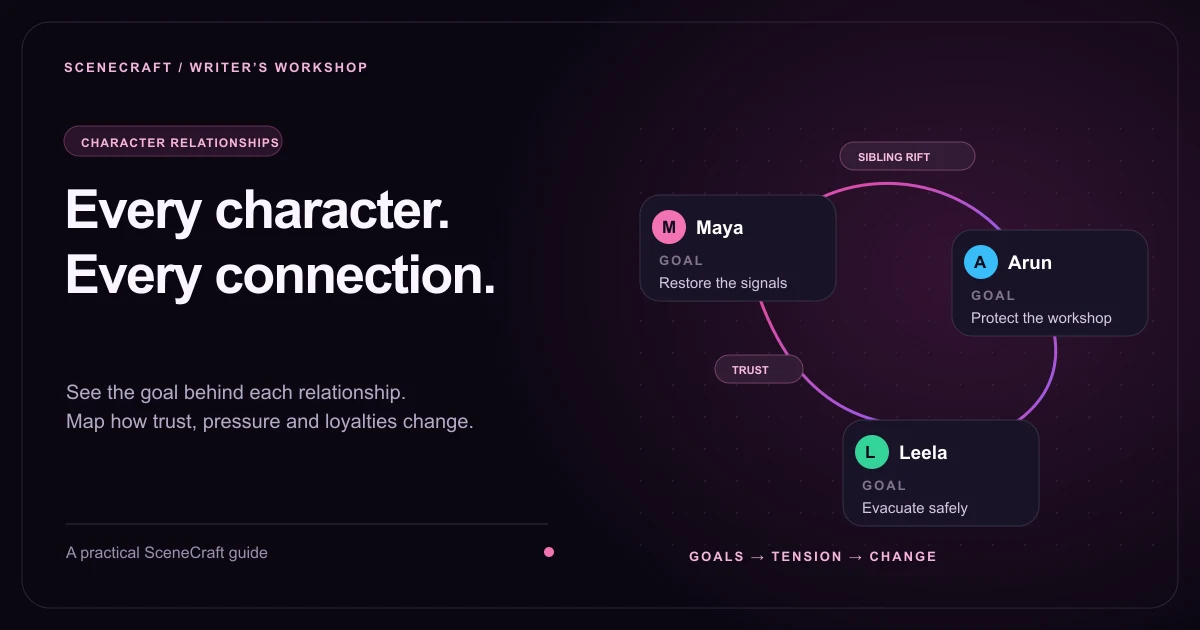
A character relationship map is a visual plan of who matters in a story and how they affect one another. Put each character on a card, give them a goal and motivation, then connect the cards with specific relationships. Add how those relationships change so the map can guide scenes, conflict, and character arcs.
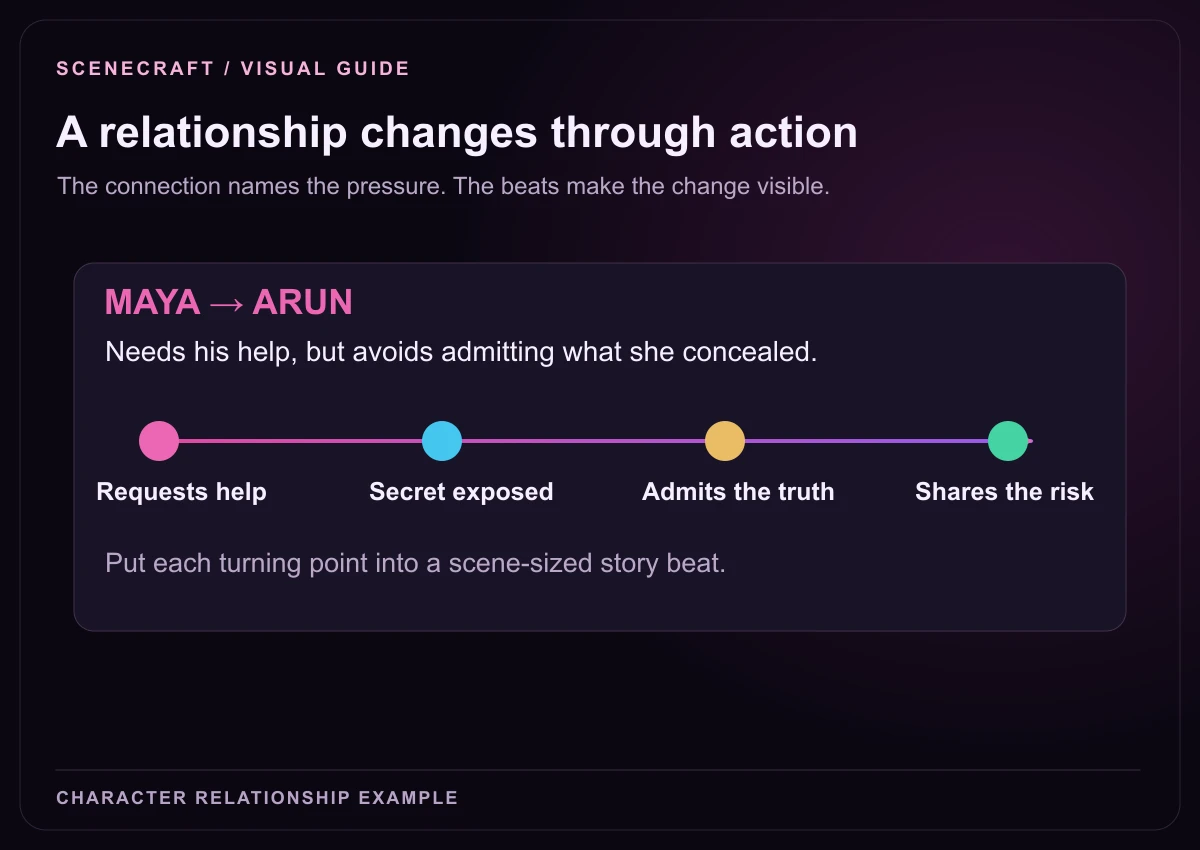
“Maya and Arun are siblings” tells you little about a scene. “Maya needs Arun’s help, Arun expects her to abandon him again, and neither names the old hurt” gives them a reason to speak carefully. Record that pressure, including what each person misunderstands.
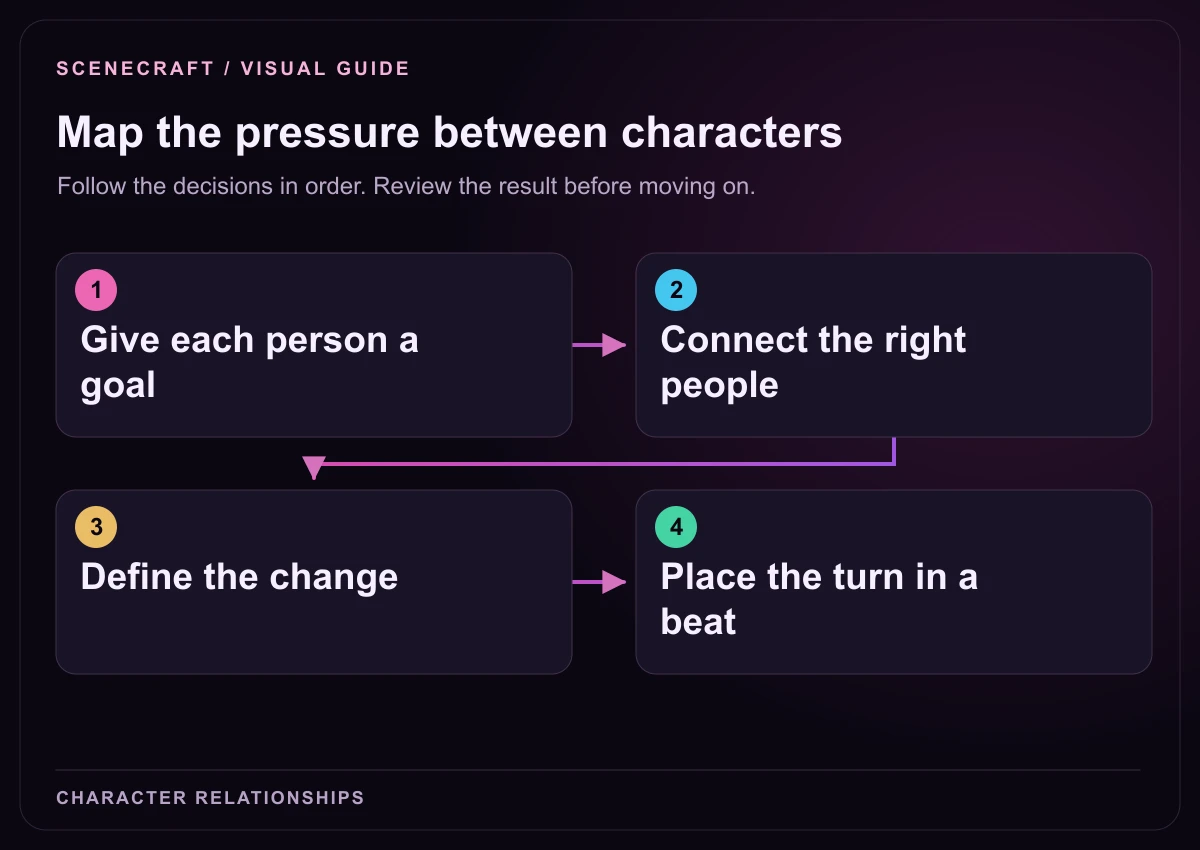
1. Give each person a goal: Separate objective from motivation. 2. Connect the right people: Record history, conflict and direction. 3. Define the change: Name the turning point in the bond. 4. Place the turn in a beat: Show the change through a decision.
Start with goals before drawing connections
A goal is a result a character actively seeks; motivation explains why. “Belonging” describes a need. “Get my brother to hand over the workshop keys” tells an actor what to attempt. Keep both: the objective makes action possible, and the emotional reason makes it meaningful.
In Last Train Home, Maya must stop an evacuation train before it reaches damaged track. Arun wants the same passengers safe, but he also wants to protect the family workshop from another risky promise. Leela, the station supervisor, wants an orderly evacuation and fears losing authority if her role in neglected repairs becomes public.
Their shared emergency does not erase their differences. Ask what each character would do without interference, then identify the person who prevents that plan from working.
Field
Question it answers
Example for Maya
Goal
What result is she trying to obtain?
Stop the train before it reaches the damaged track.
Motivation
Why is that result personally necessary?
She needs to protect the town she left and become dependable to Arun.
Flaw or inner conflict
What habit makes the goal harder?
She hides difficult facts until she has a solution.
Arc
What changes in her way of choosing?
She moves from privately managing the crisis to sharing the truth and responsibility.
Non-negotiable facts
What must remain true in a draft?
She is a mechanic; she cannot solve the crisis through invented authority or a new technical miracle.
A relationship needs a direction and a change
Write a connection as one character’s relationship to another. Direction matters because feelings, knowledge, and power are often unequal. Maya relies on Arun; Arun doubts Maya. Those statements concern the same pair, but they create different expectations for a scene.
A concise label helps you scan the canvas: protects, owes a debt to, competes with, fears, trusts conditionally. The description adds the shared history or current conflict. The evolution explains the movement from beginning to ending. Avoid labels so broad that they could describe any two people in the story.
Connection
Starting pressure
Turning point
Ending state
Maya → Arun: needs his help
She asks for tools while avoiding the reason she left.
The concealed maintenance record makes a practical request feel manipulative.
She gives him the full facts and lets him choose his involvement.
Arun → Maya: distrusts her promises
He assumes her return is temporary.
He sees her accept responsibility without demanding forgiveness.
He chooses to help and leaves room for a renewed partnership.
Leela → Maya: trusts her conditionally
Leela wants a repair that does not expose institutional failure.
The repair fails and concealment becomes more dangerous than disclosure.
She shares the information Maya needs and accepts public accountability.
In SceneCraft, put a connection’s turning point and ending in How does this relationship evolve? Move the turning point into Story flow when it becomes a scene.
Build the map in SceneCraft
From Dashboard, open Projects, choose your project, and select Visual Story. Open Character map. You can work in Map or List view; the map is useful for seeing relationship patterns, while the list helps when you want to focus on individual people.
Choose Add character. Enter a unique name, a role, and a goal. Add motivation, personality, inner conflict, arc, backstory, and voice where you already know them.
Add reference images if they help you recognize the cast. Each character can hold up to four JPEG, PNG, or WebP references. Write appearance details that the screenplay should preserve.
Use Connect on a character card or Add connection. Choose From character and To character, then add a connection label, description, and evolution.
Choose Save connection. The map draws the relationship as a curve between the cards. Unsaved connection edits remain in the details panel until you save them.
Drag cards to organize the view. Use Pan to move around the canvas, Select to select cards, and the zoom or fit controls to inspect the wider network.
Collapse the details panel when you need more canvas space, then reopen it to refine the selected character or connection.
A picture identifies the card at a glance; a written character fact tells the draft what to preserve. Record crucial traits in Appearance & identity or Non-negotiable character facts rather than assuming an image alone will communicate them. Extra information such as a profession, an ethical boundary, or a hidden allegiance can live in those notes.
A connection’s evolution becomes concrete when a decision changes the relationship. Place those decisions into the beat order.
Organize a large cast without merging identities
Group cards when a large map becomes difficult to navigate. In Select mode, select multiple characters, or use Shift-click to build a selection. Choose Group selected, then give the group a useful name. You can also drag selected cards into an existing group.
Group a family, crew, organization, or subplot cast. Collapse the group to reduce clutter; expand it to edit individual cards. Outside relationship lines attach to the collapsed group’s visible card, while the relationships still belong to the original characters.
Grouping preserves each person’s goals and scene assignments. A family can share a history while disagreeing about every important choice.
Read the map for missing dramatic pressure
Read the map for missing dramatic pressure. Know why an isolated character is isolated. Replace a generic web of “friend” connections with the demands, debts, secrets, and loyalties that actually matter.
Who can give the protagonist what they want, and what do they demand in return?
Who knows a fact that changes another person’s choices?
Which two goals cannot both succeed in the same scene?
Which relationship changes through a decision rather than a conversation explaining the change?
Who has a strong goal but no opportunity to act on it?
Connect the pairs that affect the story. A dense web can hide important tension. If a relationship has no consequence for a planned scene, keep it as background knowledge or ask whether it needs emphasis.
Move relationship turns onto the beat board
A map records a relationship’s intended shape; a beat gives that change a place in the screenplay. In Story flow, choose the people in the scene, describe what they attempt, and write the consequence. Use the outcome field for a result the scene must reach.
For Maya and Arun, a Middle beat can end with Arun refusing to hand over the keys. The next beat now has a different problem: Maya must explain the concealed record or attempt the repair without him. In the Climax, his decision to bring the warning lamp should follow something Maya has done to earn that choice.
Check that every character has a unique name, that connections point to the intended people, and that important goals are expressed as actions. Read the relationship evolution against the planned scenes. If the reconciliation occurs before the betrayal is revealed, either the beat order or the evolution note needs revision.
Finally, read a few character voice notes side by side. People with different objectives should also use different tactics in dialogue. See the guide to keeping your writing voice in an AI screenplay for a way to distinguish those tactics without exaggerating speech patterns.
Character relationship map questions
What is the difference between a character map and a plot outline?
A character map describes people, goals, and relationships. A plot outline orders the events through which those goals and relationships change. Use the map to decide what creates conflict and the beat board to decide when it becomes a scene.
How many relationships should I add?
Add relationships that influence important decisions, conflicts, or reveals. You do not need to connect every pair of characters. A focused network is easier to use than a dense web of labels with no dramatic consequence.
Can two characters have different views of the same relationship?
Yes. Relationships have a direction, so write the connection from one person’s perspective. If the reverse perspective adds important information, record it distinctly or make the difference clear in the description.
Does collapsing a group remove its connections?
No. Collapsing changes the visible canvas endpoints to the group card. The stored relationships still connect the individual characters, and you can expand the group to edit them.
Can I build a map from an existing screenplay?
Yes. Use Build from screenplay or Sync from screenplay in Character map to open the sync workflow. Review the resulting cast, story links, and proposed details before applying changes, especially where existing choices conflict.